It seems there is an unexpected change in how V9 (specifically, 9.0.0.3172) is treating string fields on the SDK side.
Normally, if you clear a field, you can use this code in the plugin to see if the field is being cleared:
if (entity.Contains(“ita_integer”) && entity[“ita_integer”] == null)
{
throw new InvalidPluginExecutionException(“Integer is null”);
}
For example:
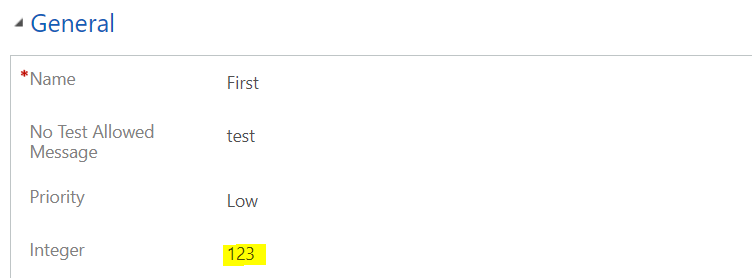
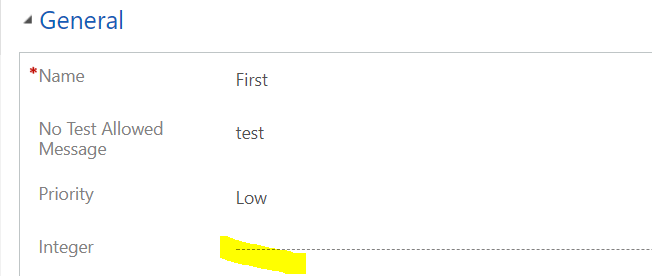

It does not seem to be the case for text fields anymore.
Below I have exactly the same code but for a text field this time:
if (entity.Contains(“ita_notestallowedmessage”) && entity[“ita_notestallowedmessage”] == null)
{
throw new InvalidPluginExecutionException(“No Test Allowed Message is null”);
}
And it allows me to save the data just fine:
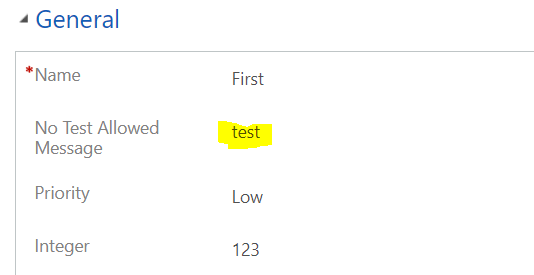
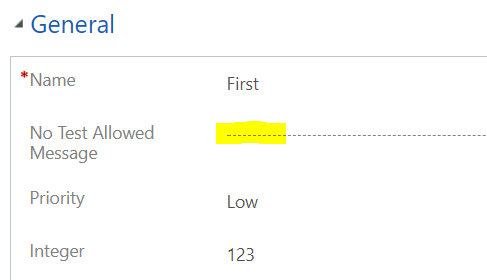
Although, if I query all the records where that field does not contain data, the record will come up.
So, for whatever reason, in this version of V9 I have to re-write that code for string fields like this:
if (entity.Contains(“ita_notestallowedmessage”) && (entity[“ita_notestallowedmessage”] == null || (string)entity[“ita_notestallowedmessage”] == “”))
{
throw new InvalidPluginExecutionException(“Integer is null”);
}
Then it works.. Something to keep in mind.
Hello,
Another form:
if (string.IsNullOrEmpty(entity.GetAttributeValue(“ita_notestallowedmessage”)))
{
throw new InvalidPluginExecutionException(“String is null”);
}
Hi Ahmed,
that code will work differently – GetAttributeValue will also return null when “ita_notestallowedmessage” is not being updated at all. When this happens, Contains will handle that situation correctly since it will return “false”, so there will be no error message.
if (entity.Contains(“ita_notestallowedmessage”) && (entity[“ita_notestallowedmessage”] == null || (string)entity[“ita_notestallowedmessage”] == “”))
{
throw new InvalidPluginExecutionException(“Integer is null”);
}
Mr alex, first of all thank you for all this free contect.
The code above seems to not work anymore, if i leave it blank it will save. But if i put a white space then the error will show up.
never mind, i was thinking about the wrong way. It works just fine.